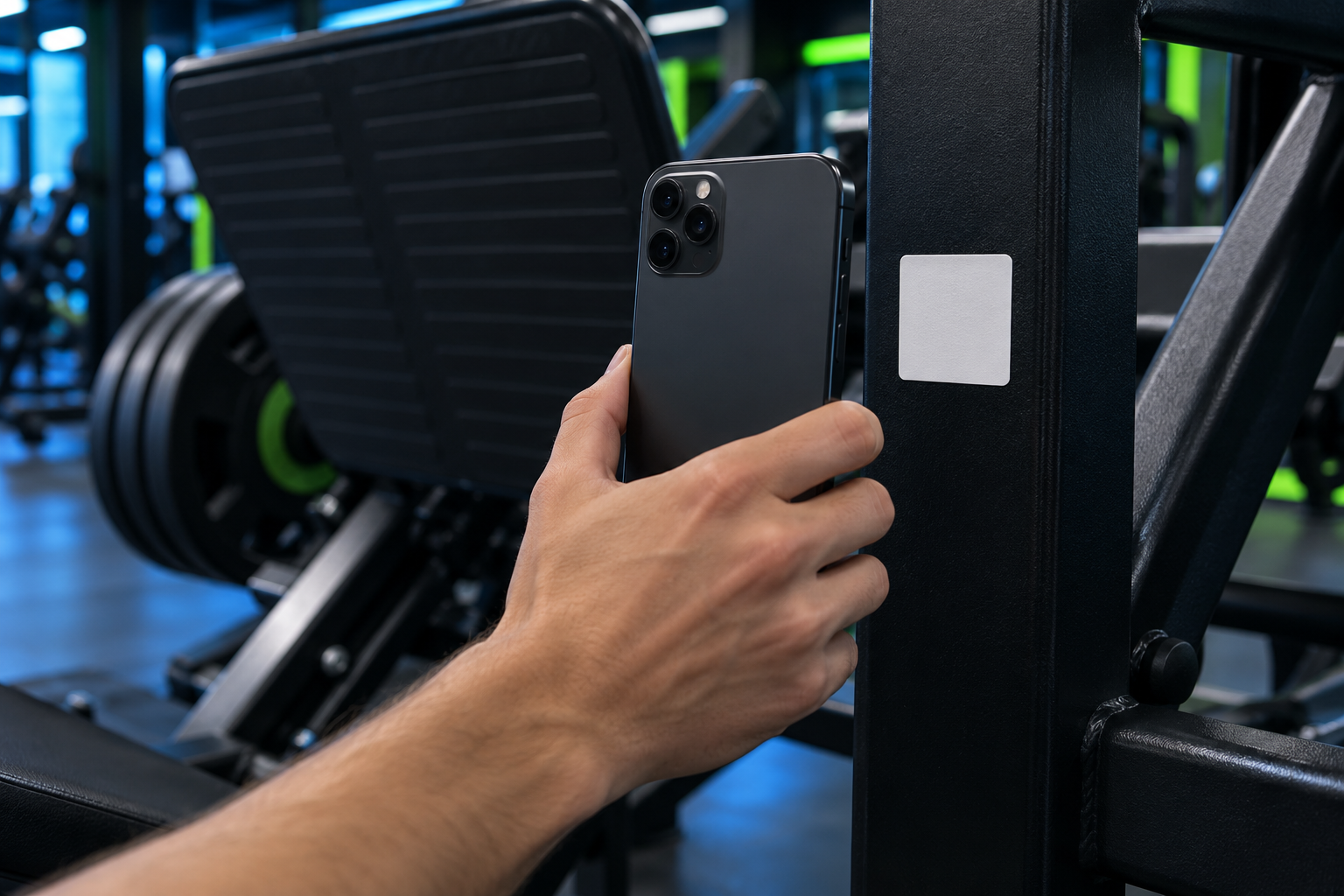
A new member stands in front of a cable station with no idea where to start. With a QR code on the machine, the answer is one scan away.
Register your machines
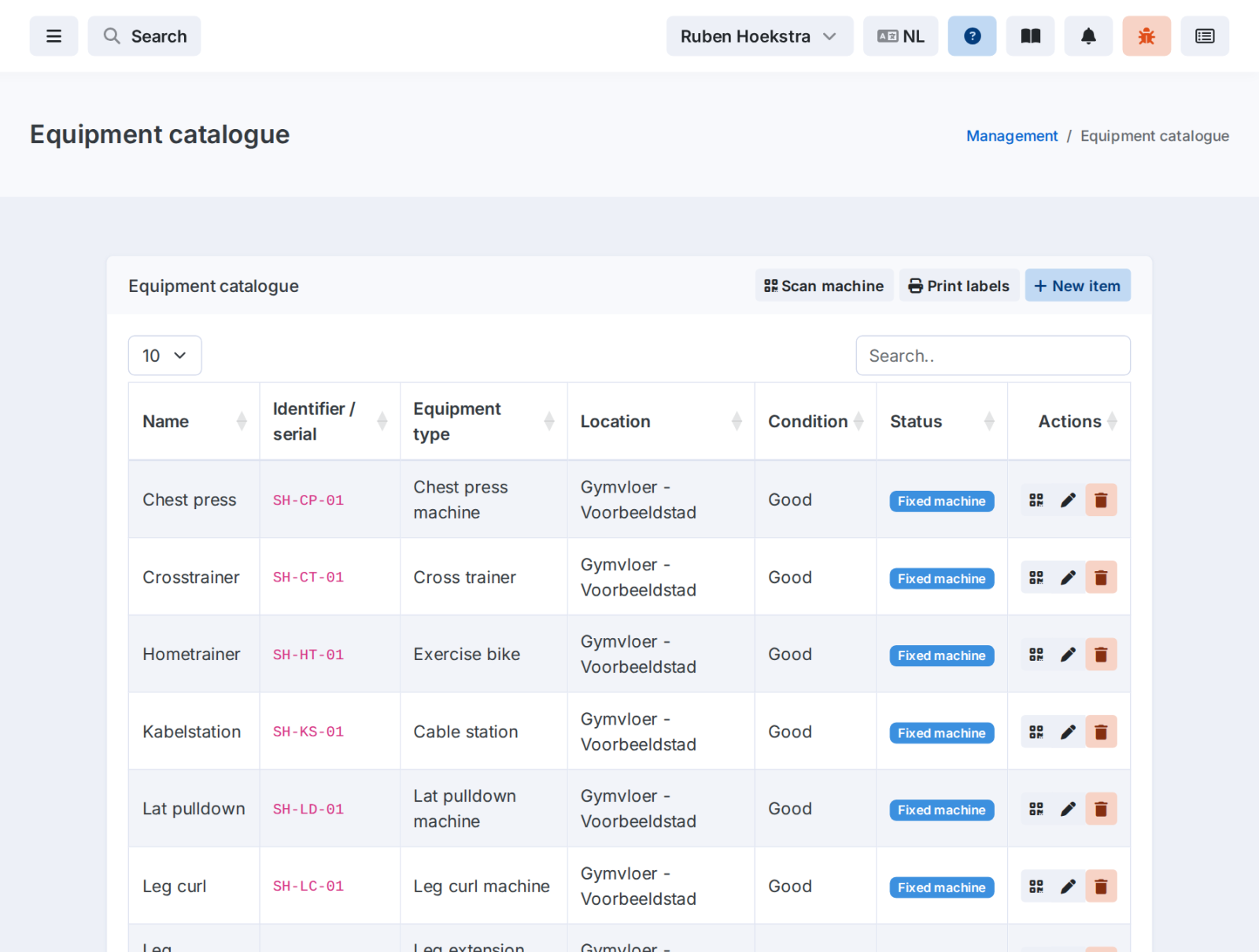
In GymPilot you register each machine with type, location and optionally brand, model and serial number. Every machine gets its own QR code or barcode, which you print as a label.
Scan and train
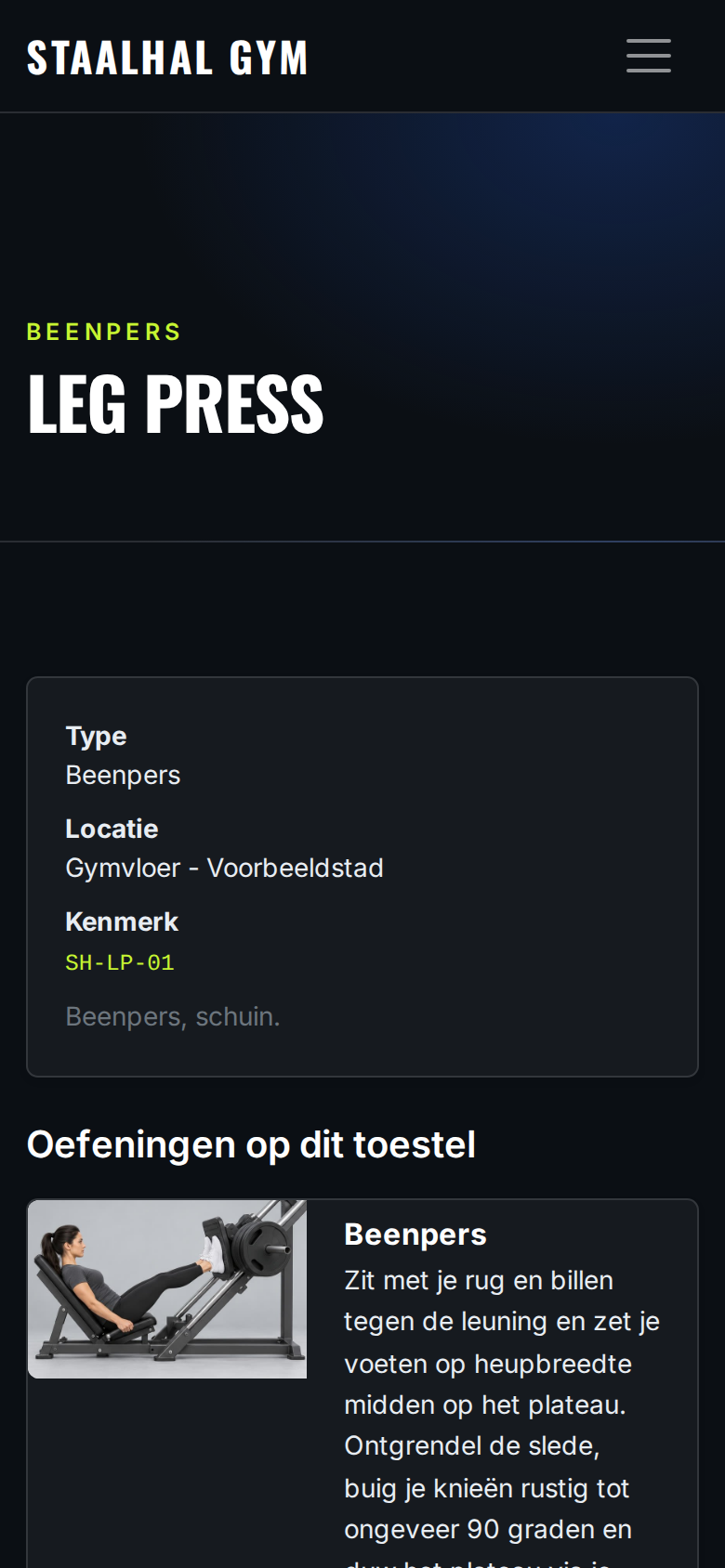
Anyone who scans the code sees the machine and the exercises that belong to it, with visuals and instructions. The workout plan also shows which machine your member trains on for each exercise.
Prefer to keep it simple? Just select which machine types your gym has. The plan editor then only shows exercises your members can do.
See GymPilot at work in your gym
Book a demo. We'll show you how a workout plan is ready in minutes and how your members train with it.