GymPilot

Machines and QR codes

Select the machines you have, or register each one

GymPilot offers two approaches. Simple: you select which machine types your gym has, and the schedule editor only shows exercises your members can actually do. Detailed: you register each machine with type, location, brand, model and serial number.

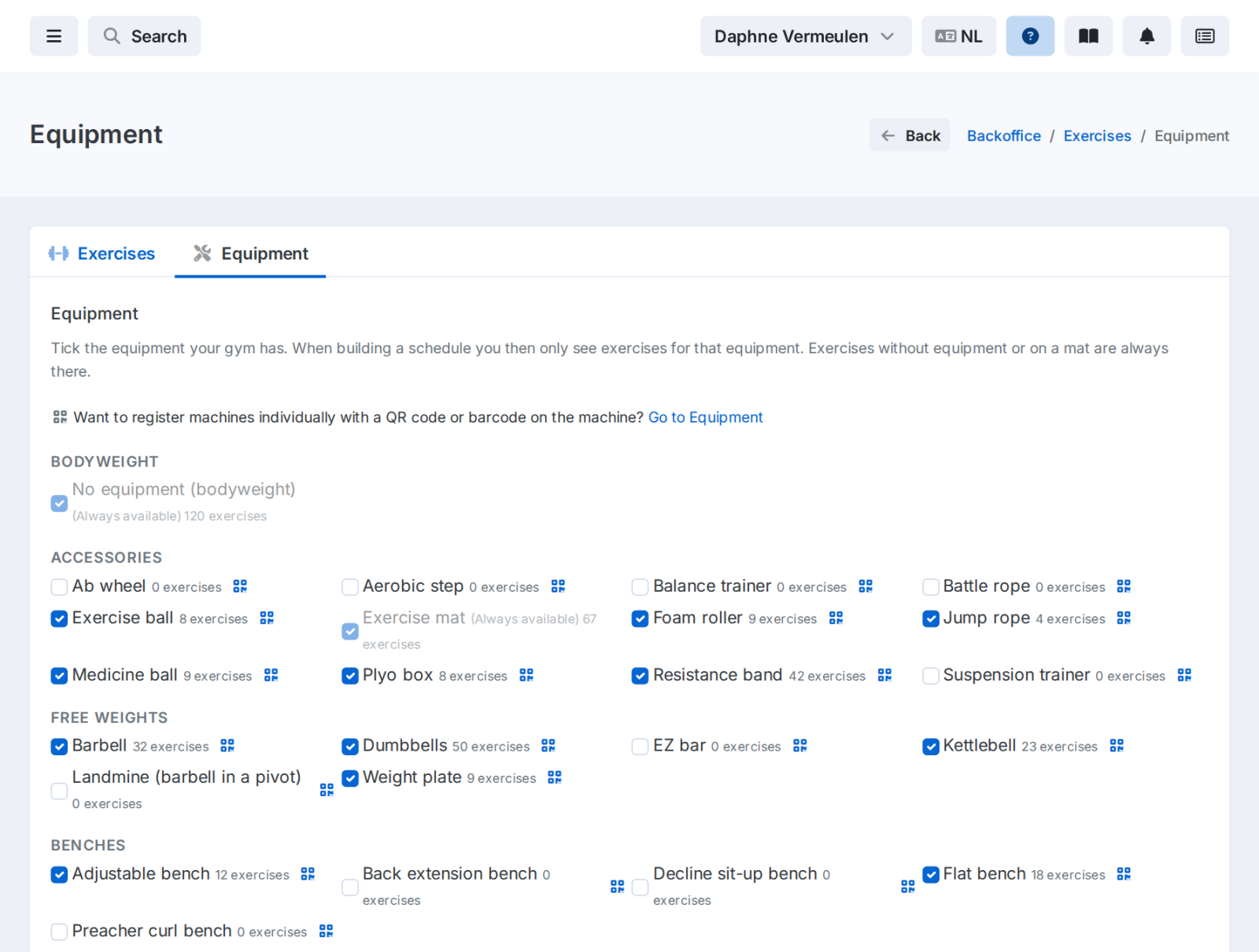
Toesteltypen aanvinken die de gym heeft

Select machine types

A list of machine types, from dumbbells and kettlebells to leg press and cable station. For each type you see how many exercises go with it.

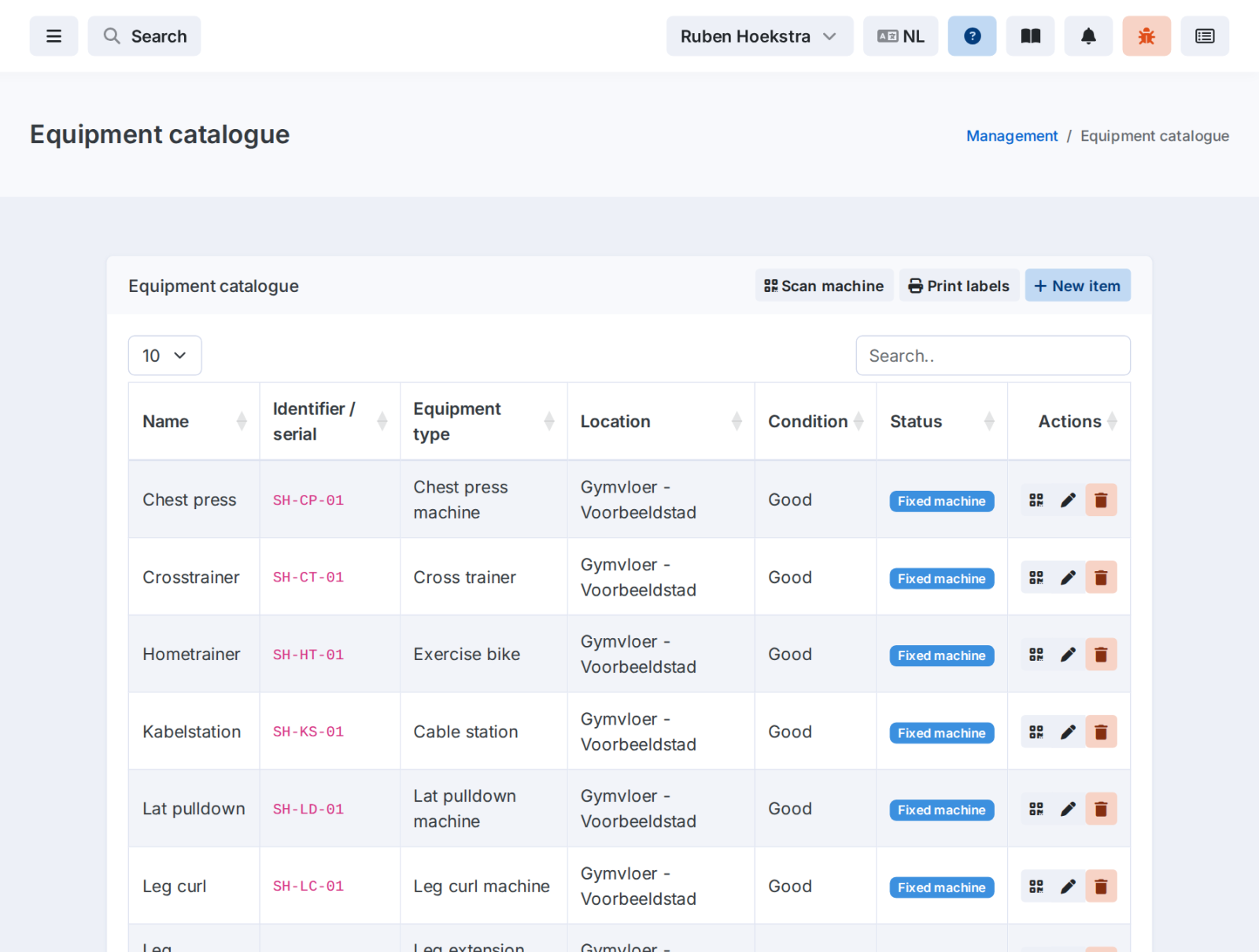
Geregistreerde toestellen met hun code en locatie

Every machine registered

With its own QR code or barcode on the machine. Print the labels and put them up.

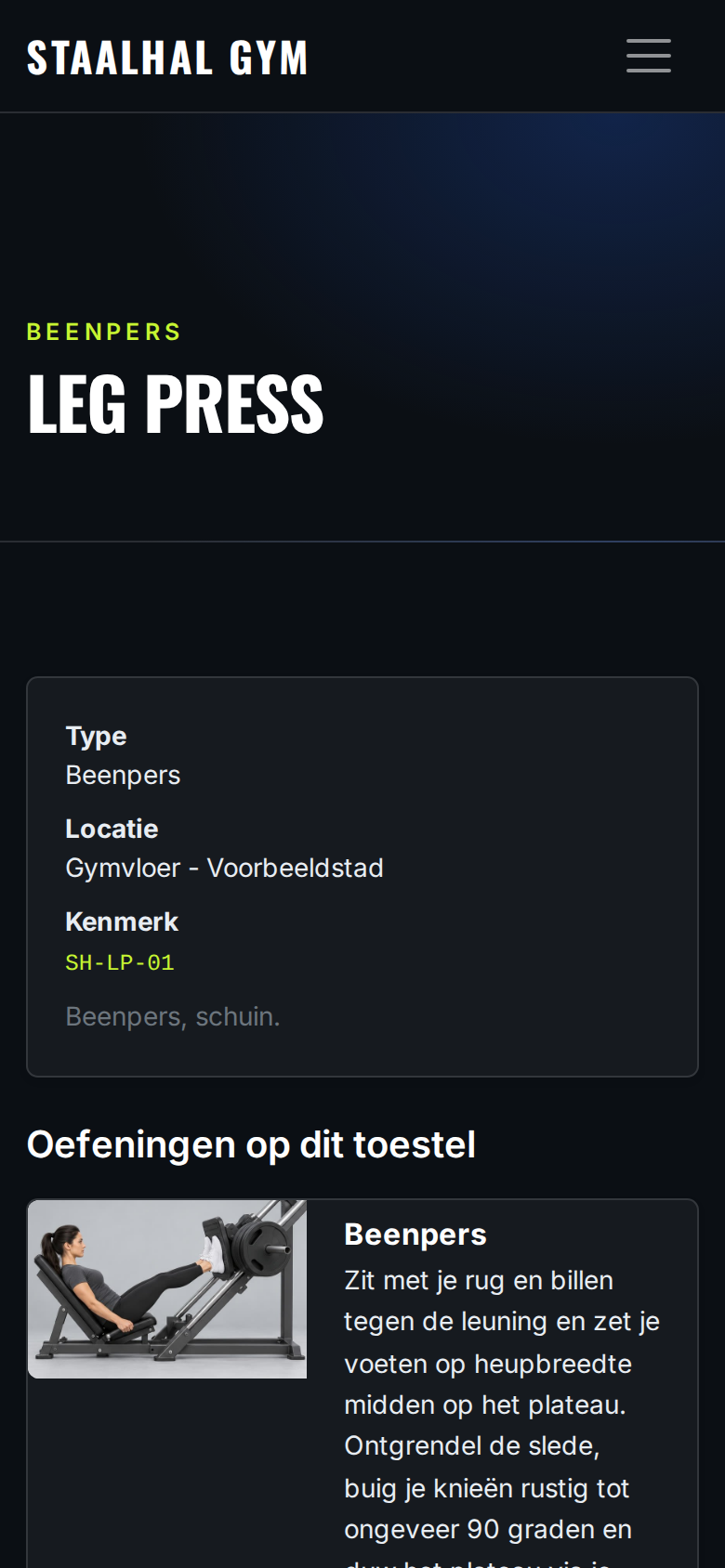
De pagina achter de QR-code van een toestel met de oefeningen erop

Scan on the gym floor

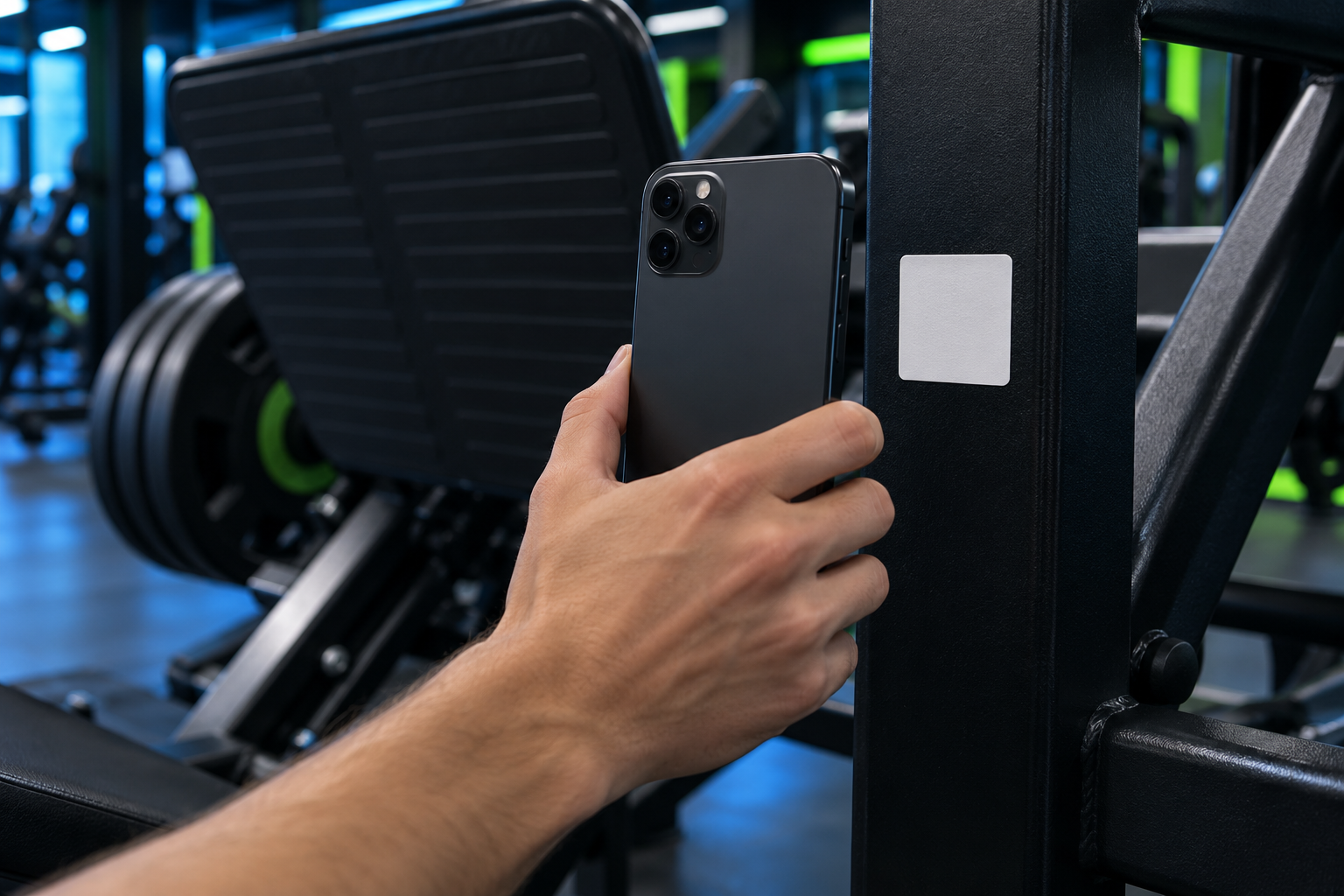
Anyone who scans the code sees the machine and the exercises that belong to it, with visuals and instructions. In the training schedule, every line shows which machine your member trains on.

Een telefoon bij de code op een toestel

See GymPilot at work in your gym

Book a demo. We'll show you how a training schedule is ready in minutes and how your members train with it.